
iMovie alternatives for iPhone and Android: what to use when iMovie is not enough
iMovie is free, clean and Apple-only. The apps similar to iMovie worth trying in 2026, what each one is best at, and when iMovie is still the right choice.
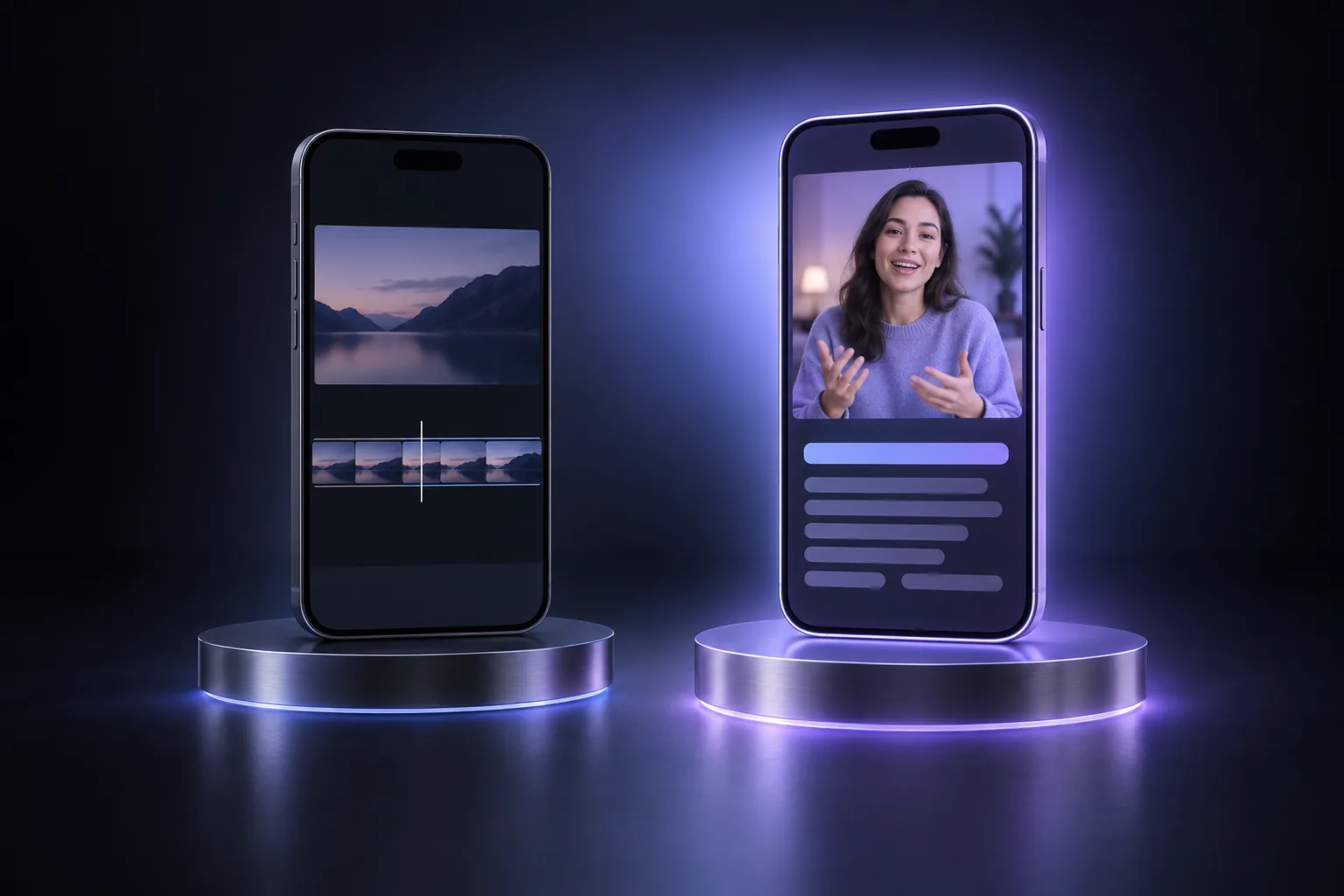 Cover image: AI-generated
The best iMovie alternative depends on why you are leaving. If you need Android, a free multi-track editor with templates, or captions, look at Adobe Premiere’s mobile app or CapCut. If you want a professional timeline on a phone or tablet, LumaFusion. If your videos are mostly you talking to the camera and the editing takes too long, a transcript editor such as slicecut is the faster tool. iMovie itself is still a good free editor for simple projects on Apple devices.
What iMovie does well
iMovie has been Apple’s free editor for two decades, and on iPhone it still covers the basics properly:
- Free, with no watermark and no ads.
- Clean export. Apple says iMovie saves to your library in up to 4K at 60 frames per second on supported devices (Apple).
- Simple projects that look finished. Magic Movie and Storyboards build a video from your clips with matching titles and music, and the movie projects offer picture-in-picture, green screen and split screen (Apple).
- Straightforward cutting. Split a clip at the playhead, delete what you do not need, reorder by dragging (Apple Support).
For a family video or a trip montage on an iPhone, there is little reason to pay for anything else.
Why people look for an iMovie alternative
The searches for “apps similar to iMovie” have nearly doubled over the past year in Google’s Keyword Planner. The reasons tend to be the same few:
- Android or Windows. iMovie runs only on iPhone, iPad and Mac. If you switch phones, or edit on a Windows PC, you need something else.
- No speech tools. iMovie does not transcribe what is said, so there are no automatic captions and no way to edit by text. For anything with a lot of talking, that is the main limit.
- Social formats. Templates, trending effects and caption styles for Reels, Shorts and TikTok are not what iMovie is built for.
- Apple’s other small editor is gone. Apple discontinued Clips in October 2025 and pointed users to iMovie or third-party apps such as InShot, VN and GoPro Quik (PetaPixel, Thurrott).
What to look for
Before choosing, decide which of these matters to you:
- Platforms. iPhone only, or Android too? Does it need a desktop version?
- Editing model. A timeline (you cut pictures on a track) or a transcript (you cut words in text)?
- Price model. Free with paid AI features, subscription, or a one-time purchase?
- Watermark and resolution on the free tier. Some apps keep the export clean only when you pay.
- What leaves the phone. Some apps process in the cloud; others render locally.
The alternatives
| App | Platforms | Editing model | Price | Best for |
|---|---|---|---|---|
| Adobe Premiere (mobile) | iPhone, Android | Multi-track timeline | Free; you pay for extra storage and generative AI credits (Tech Advisor) | A free, full editor without a watermark |
| CapCut | iPhone, Android, desktop, web | Timeline with templates and AI tools | Free tier; Pro listed at €23.99/month or €199.99/year as of October 2026 (CapCut) | Social videos with effects, templates, music |
| LumaFusion | iPhone, iPad, Android, ChromeOS | Professional multi-track timeline | One-time purchase plus optional add-ons (LumaTouch) | Detailed edits on a phone or tablet |
| InShot, VN | iPhone, Android | Simple timeline | Free with paid upgrades | Quick edits, the closest to Clips |
| slicecut | iPhone, Android | Transcript: delete words, the footage follows | Free for 30 minutes of footage a month; paid plans from €7.99 a week (pricing) | Talking-head videos, yap videos, podcast clips |
Adobe Premiere for iPhone and Android
Adobe replaced Premiere Rush with a free mobile Premiere app, first on iPhone in September 2025 (TechCrunch) and on Android in September 2026. Basic editing requires neither a Creative Cloud subscription nor an Adobe account, it exports up to 4K and adds no watermark (Tech Advisor). For most people who outgrow iMovie, this is the first thing to try. If you used Rush, see what to do after Premiere Rush.
CapCut
CapCut is the default editor for short-form video, and for good reason: templates, effects, auto captions and music in one app, on every platform. The trade-off is that much of the AI tooling sits in the paid tiers, and a timeline full of features is a lot of interface for a simple cut. The head-to-head is in CapCut vs iMovie.
LumaFusion
LumaFusion is the choice if you want a proper multi-track editor on a phone or iPad: many tracks, keyframes, detailed audio. It is sold as a one-time purchase instead of a subscription. It is more than most people need for a 60-second video.
slicecut
If most of your videos are one person talking, the slow part of iMovie is not missing features. It is finding the cuts. You play the take, listen for the false start, scrub to it, split, scrub to its end, split again, delete. A three-minute take can need twenty of those.
slicecut replaces that with the transcript. Import the take and it becomes text. Tap a word to strike it, drag across a sentence to strike the line, and the cut lands right before the next word. One dial sets every pause in the project to a target length. Several takes merge into one transcript. The export is rendered on the phone, at source quality and without a watermark, and only the audio track leaves the phone for transcription.
It does not do music, titles, transitions or b-roll. For those, finish the clean cut in iMovie, Premiere or CapCut.
When to stay with iMovie
Stay with iMovie if you edit on Apple devices only, your projects are trips, family videos or simple montages, and you do not need captions. It is free, it is clean, and Apple’s split, trim and transition tools are all you need for that work.
Combining apps
Many people end up with two apps rather than one. A common pairing for talking-head videos: cut the speech in slicecut, then add music and titles in iMovie or Premiere. The second app gets a finished cut instead of a raw take, which makes its job short.
For more on cutting with the built-in tools, see how to cut out parts of a video on iPhone and how to combine videos on iPhone.