
Roadmap
What's in the store,and what comes next.
slicecut ships every few weeks. This page shows what is in the store, what is being built right now, and what is committed but not started.
Building
Captions
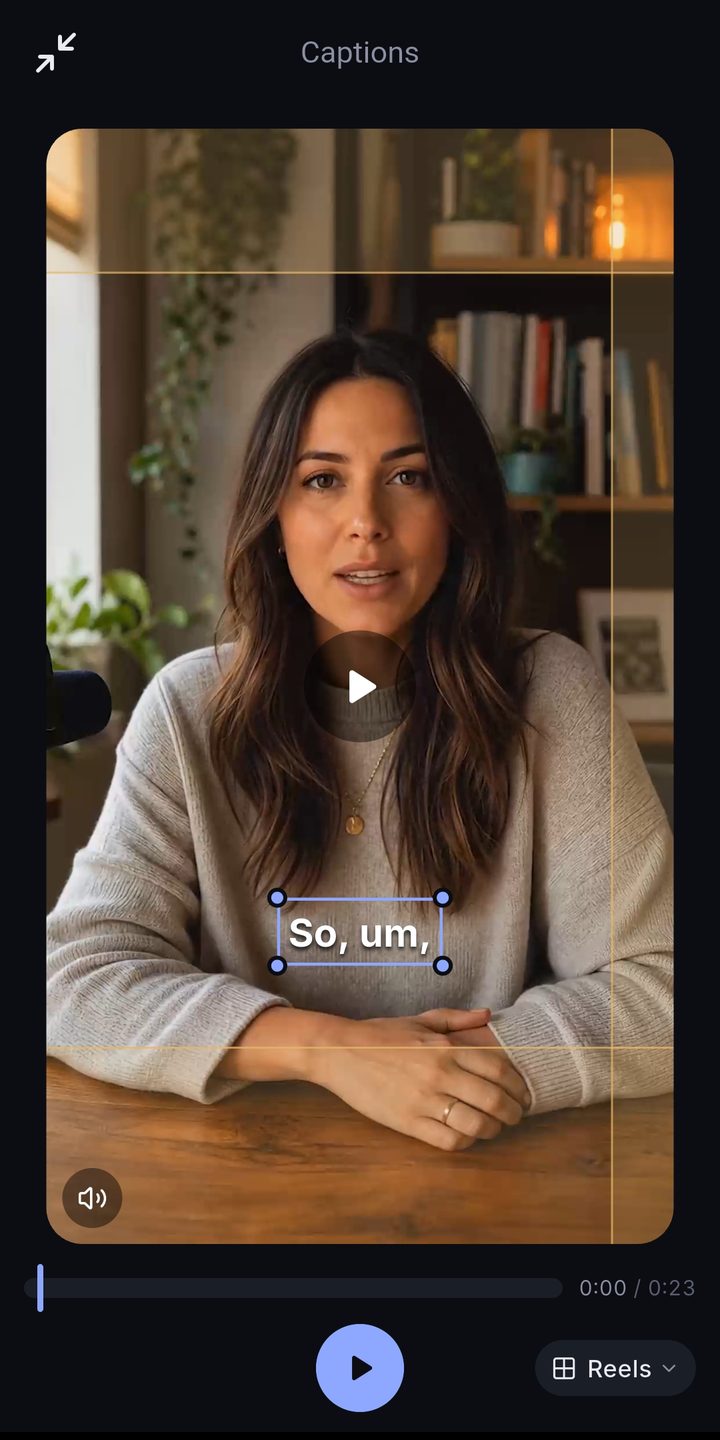
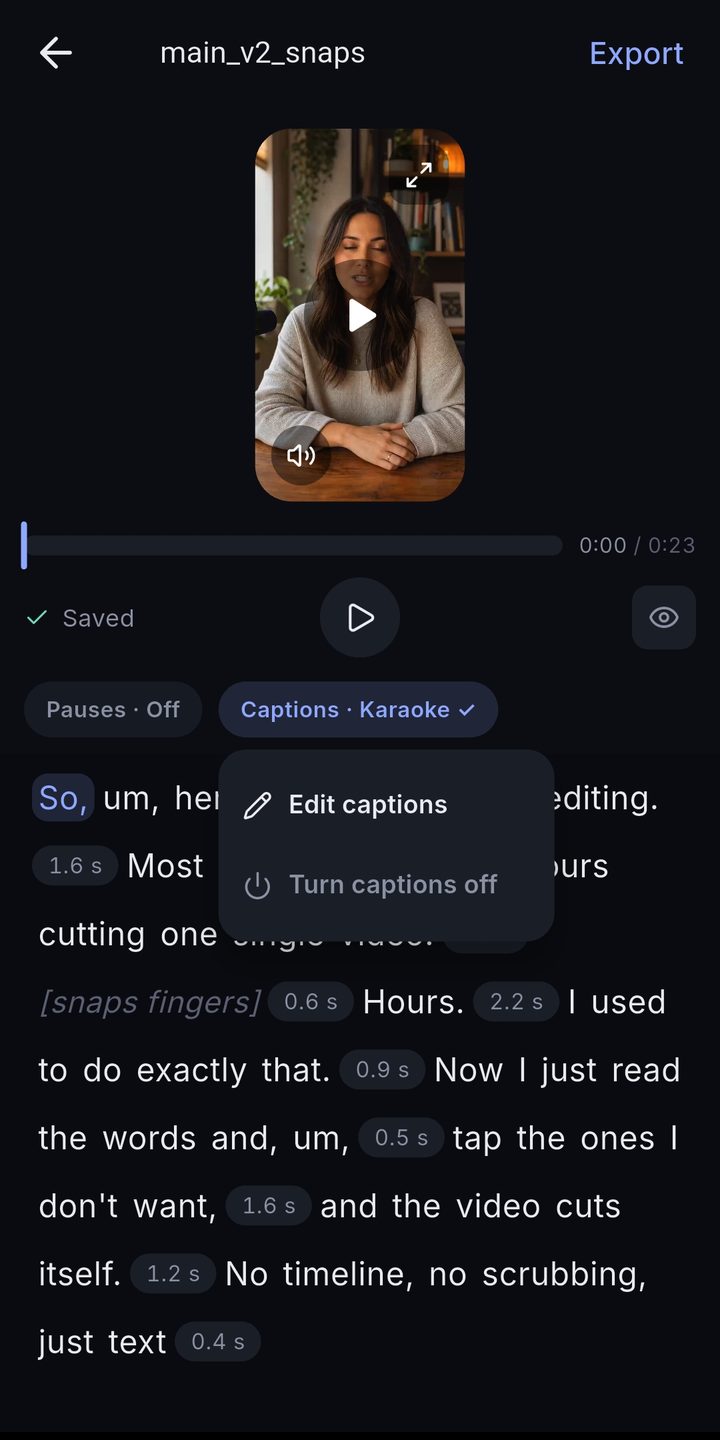
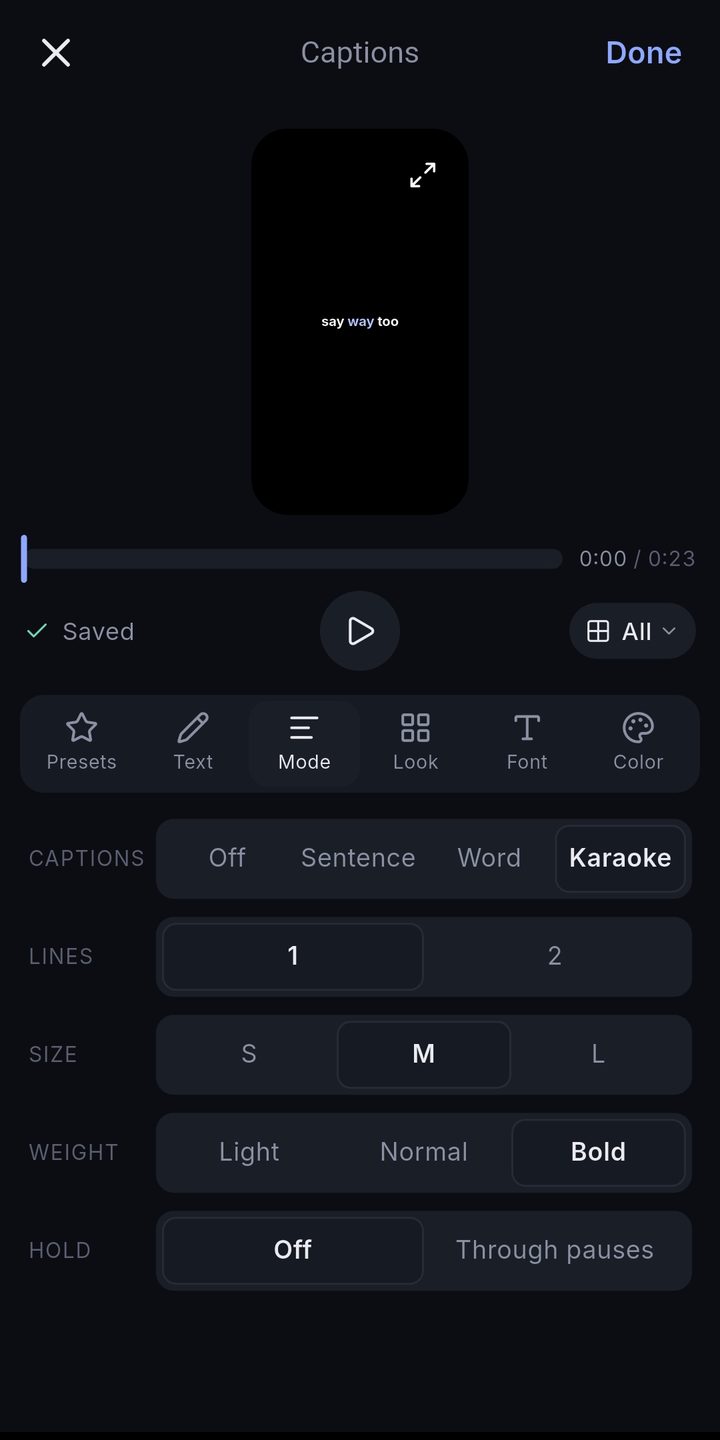
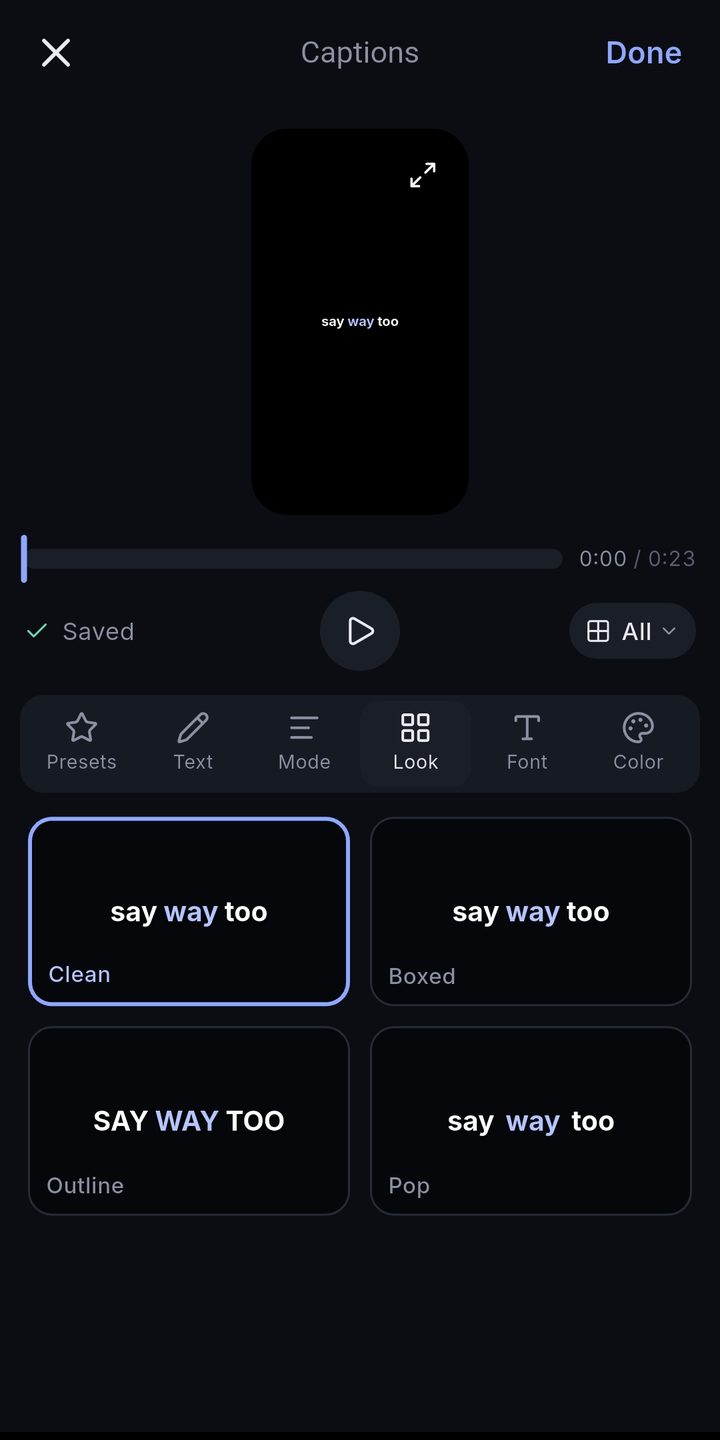
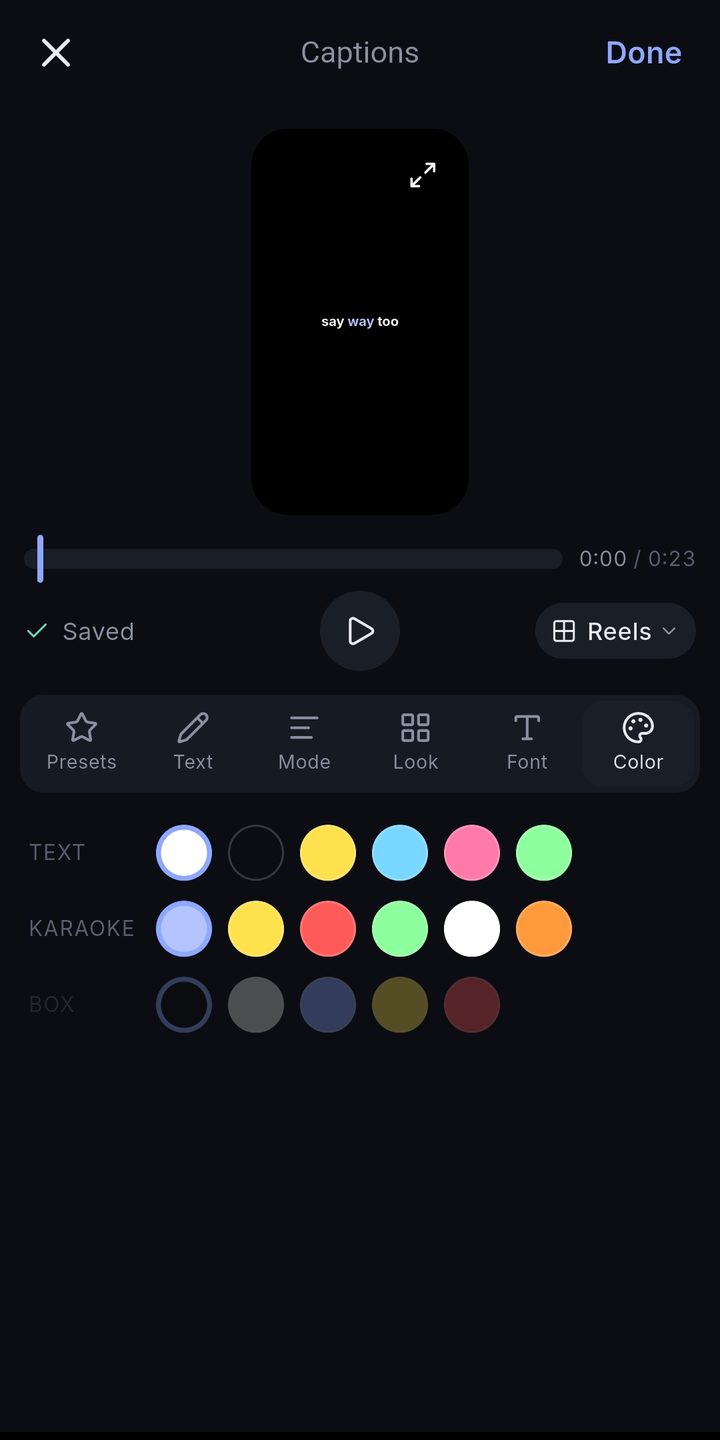
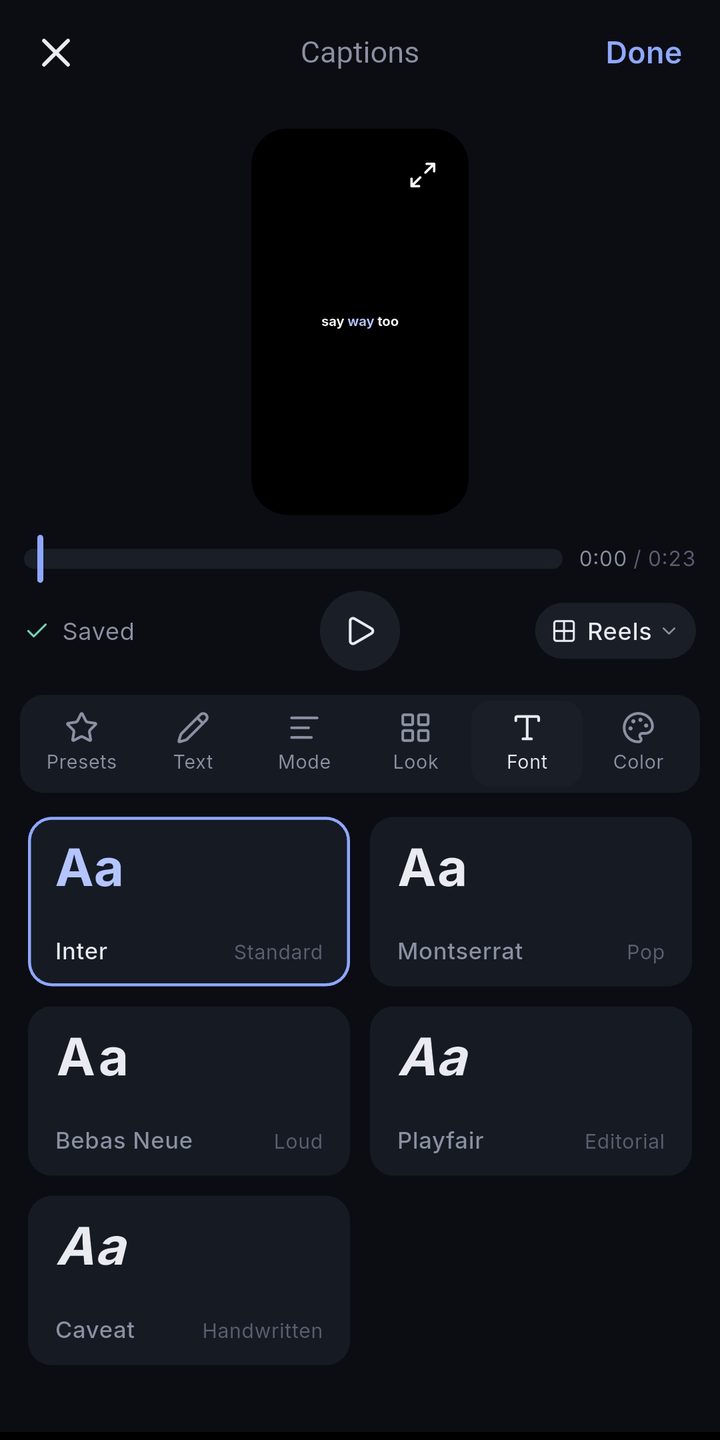
Karaoke-style captions, styled from presets, from the transcript you already edited.
The transcript is already word-timed, so captions cost nothing extra. Pick a mode (sentence, word, karaoke), a look, a colour and a font, save the combination as a preset, and every export carries it. The words you struck out never show up.
Shipped
Strike words, swipe sentences
Tap a word or swipe a range in the transcript and it leaves the video.
Pause dial
One dial trims every silence in the project to the length you want.
Merge clips
Several clips stack into one transcript and export as one video.
You already recorded it.Let’s get it posted.
Free to start — 30 minutes of video included, no watermark.